
E-Verify employer responsibilities: Simplify 2025
Why E-Verify Employer Responsibilities Matter for Your Business
E-Verify employer responsibilities are the foundation of legal workforce verification in the U.S. If your company uses E-Verify, you need to know exactly what the law requires to avoid legal and financial risks.
Key responsibilities include:
- Complete Form I-9 first: Always finish the I-9 before creating an E-Verify case.
- Create cases within 3 business days: Submit verification no later than the third business day after the employee’s first day of work.
- Display required posters: Show E-Verify Participation and Right to Work notices in English and Spanish.
- Handle mismatches properly: Give employees notice and an opportunity to resolve Tentative Nonconfirmations (TNCs).
- Never pre-screen applicants: Only use E-Verify after a job offer is accepted and Form I-9 is complete.
- Safeguard employee information: Protect all personally identifiable information.
- Don’t discriminate: Never use E-Verify to discriminate based on national origin or citizenship status.
The E-Verify system confirms that new hires are authorized to work in the United States, and users are bound by the Memorandum of Understanding and the E-Verify user manual. Breaking the rules can lead to employer liability, contract termination, and civil penalties.
Whether you are a federal contractor required to use E-Verify or you participate voluntarily, understanding your obligations protects your business and your employees’ rights.
The Foundation: E-Verify and Form I-9 Compliance
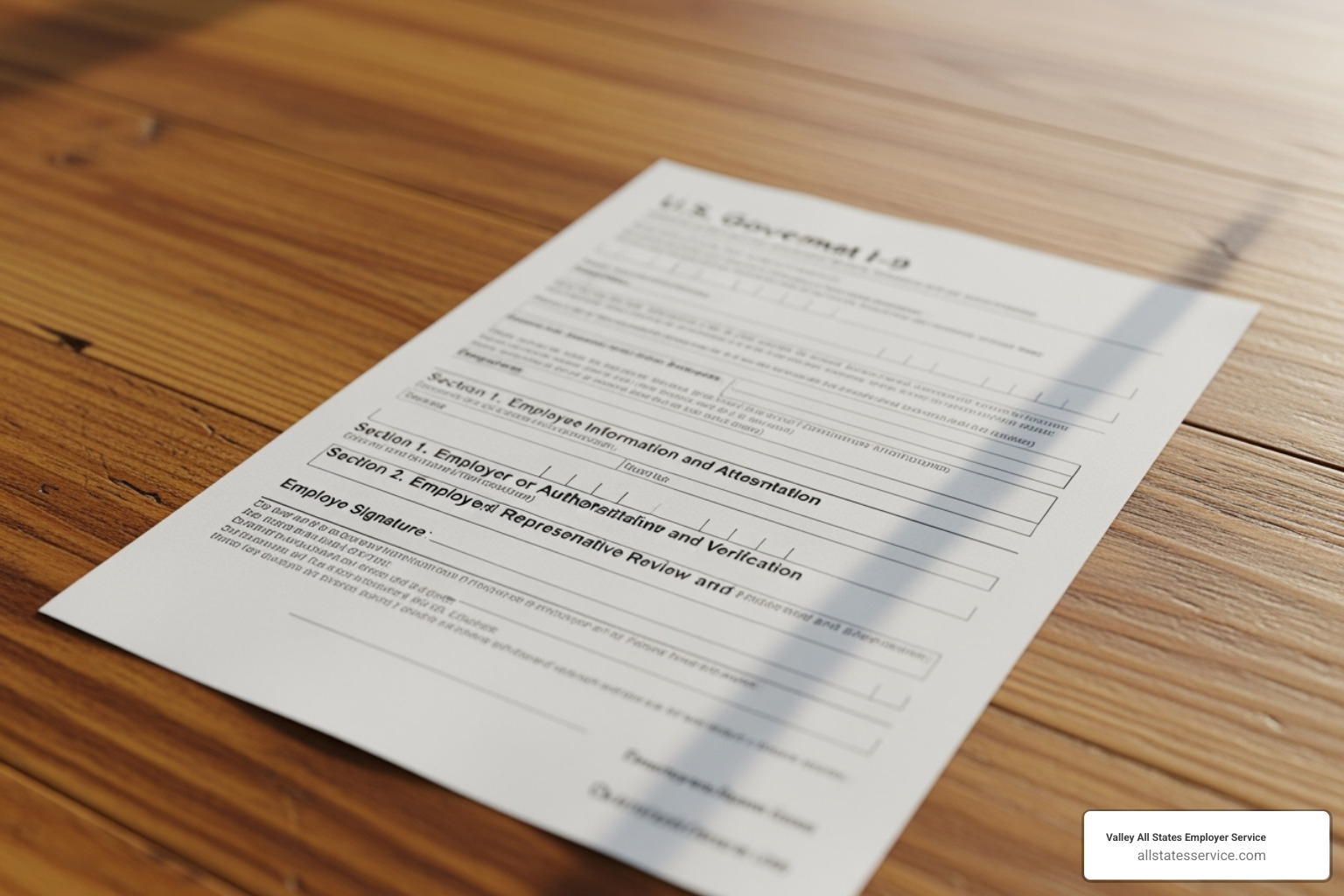
Proper compliance begins with Form I-9. Think of the I-9 as the required first step: you cannot create an E-Verify case without a properly completed Form I-9 for every new hire. This sequence is not a suggestion, it is the law.
When examining an employee’s documents, make sure they reasonably appear genuine and belong to the person presenting them. You are not expected to be a document expert, but check for obvious issues like different names or expired dates.
Employees can present one document from List A, or a combination of one document from List B and one from List C. A key detail many employers miss: any List B document must have a photo.
Our guides on E-Verify and I-9 and I-9 Form Completion can help you master both systems.
The Critical Timeline: From Hire to Verification
Once an employee accepts a job offer and completes Form I-9, the clock starts. You have no later than the third business day after they start work for pay to create their E-Verify case. This deadline is not flexible.
For example, if an employee starts on a Monday, you have until Wednesday to submit their E-Verify case. If Monday is a federal holiday, the clock starts on Tuesday, giving you until Thursday. Always count business days, not calendar days.
If an employee presents a receipt for a document, you generally still need to create the E-Verify case within the three-day timeframe. For specific rules on receipts, the Handbook for Employers (M-274) provides detailed guidance. Getting your New Hire Eligibility verification done promptly is crucial.
Managing Your Account: User Roles and Security
Managing your E-Verify account correctly is key to compliance. E-Verify has two main user roles: Program Administrators and General Users.
Every account must have at least one Program Administrator who understands the rules, manages other users, and stays current on policy changes. General Users can create and manage cases but cannot change company settings or add other users.
Never share login credentials. Each person must have a unique username and password. Sharing credentials is a serious security risk and a violation of the program rules.
You are also legally required to safeguard all personally identifiable information handled through the system. Before using the system, all users must read and understand the E-Verify User Manual, as detailed in 1.5 User Rules and Responsibilities.
Core E-Verify Employer Responsibilities: The “Must-Do” List
When you enroll in E-Verify, you sign a Memorandum of Understanding with the government that outlines your compliance roadmap. Your obligations begin immediately and apply to every new hire.
Key duties include:
- Completing Form I-9 accurately and on time before creating an E-Verify case.
- Obtaining a Social Security number (SSN) from the new hire on their Form I-9.
- Ensuring any List B identity document has a photo.
- Creating an E-Verify case no later than the third business day after the employee starts work.
- Entering the employee’s email address in E-Verify if they provide it on Form I-9.
- Providing employees with proper notice and an opportunity to act on any Tentative Nonconfirmation (TNC).
- Displaying the required posters to inform your workforce that you use E-Verify.
- Safeguarding all personally identifiable information (PII) throughout the process.
Following these core E-Verify Employer Requirements is fundamental to protecting your business.
Notifying Your Workforce: Poster Requirements
You must display two posters in a place where they are visible to prospective and current employees, the E-Verify Participation poster and the Department of Justice’s Right to Work poster. Both must be displayed in English and Spanish.
For remote employees, you can meet this requirement by providing the posters digitally, such as on a company website or via email during onboarding. The goal is to ensure all employees are aware of your participation. You can download official posters from the government’s Right to Work and E-Verify Participation Posters page.
Understanding Your Key Responsibilities in Practice
Beyond the basics, practical application matters. During photo matching, compare the photo from E-Verify with the one on the employee’s document, not with the employee themselves. This verifies the document’s authenticity.
For rehires within the last three years who previously received an Employment Authorized result, you may not need a new case. You can update their existing Form I-9, provided their documents are still valid. If there was no previous E-Verify case or it did not result in authorization, create a new one.
Federal contractors with a Federal Acquisition Regulation clause have additional obligations. You may need to verify existing employees working on the federal contract. Our resources on Federal E-Verify Rules and E-Verify for Contractors offer more detail.
Navigating Case Results and Mismatches
After you submit a case, E-Verify checks the information against Social Security Administration and Department of Homeland Security records. The result determines your next steps. Understanding these outcomes is a core part of your obligations.
Employees have significant rights in this process, including the right to be informed of and resolve any mismatches without facing negative consequences. You can track a case’s progress using the E-Verify Status Check tool.
Decoding E-Verify Case Results
Each case result requires a specific action:
- Employment Authorized: The information matched. The case is closed, and no further action is needed.
- E-Verify Needs More Time: The system needs more time to process. You cannot take adverse action against the employee. Most cases resolve within 24 hours.
- Tentative Nonconfirmation (TNC): There is a mismatch between the employee’s information and government records. This is not a final result, and the employee must be given a chance to resolve it.
- Case in Continuance: The employee is actively working with the SSA or DHS to resolve a TNC.
- Close Case and Resubmit: An error was likely made during data entry. You must close the case and create a new one with corrected information.
- Final Nonconfirmation (FNC): The SSA or DHS has confirmed the employee is not authorized to work after they were given the opportunity to resolve a TNC. Only at this point may you terminate employment based on the E-Verify result.
The Tentative Nonconfirmation (TNC) Process: A Step-by-Step Guide
Handling a TNC correctly is one of your most important responsibilities. It is a preliminary finding, not a final one.
- Notify the employee privately. Discuss the TNC away from other staff to protect their privacy.
- Provide the Further Action Notice. Print the notice generated by E-Verify and review it with the employee. They must sign and date it, and you must keep the original for your records.
- Inform the employee of their right to contest. The employee has 10 federal government working days to decide if they will take action. If they choose to contest, they have eight federal government working days to contact the appropriate agency, SSA or DHS.
- Do not take adverse action. The employee has the right to continue working while they resolve the mismatch. Firing, suspending, or otherwise penalizing them is illegal.
- Give the employee the Referral Date Confirmation. If they contest the TNC, print this document from E-Verify and give it to them. It confirms their deadline for contacting the agency.
If the employee resolves the issue, the case will update to Employment Authorized. If not, it may become a Final Nonconfirmation. For more information, you can direct employees to the official Employee Rights and Responsibilities page.
Prohibited Actions: What You Must NEVER Do
Understanding what you cannot do is as important as knowing your duties. Certain actions violate the law and program rules, putting your business at risk of fines, loss of E-Verify access, and federal investigations.
Here is what you must never do:
- Pre-screen applicants: You cannot use E-Verify until after an applicant has accepted a job offer and completed Form I-9.
- Specify documents: You cannot tell an employee which specific documents to present for Form I-9. They have the right to choose from the acceptable document lists.
- Discriminate: You must not treat employees differently based on their national origin, citizenship status, accent, or appearance.
- Take adverse action on a TNC: You cannot fire, suspend, or otherwise penalize an employee for receiving a Tentative Nonconfirmation. They must be allowed to continue working while they resolve the issue.
Violations can lead to significant I-9 Compliance Penalties.
Avoiding Discrimination and Pre-Screening
Pre-screening candidates with E-Verify before a job offer is a serious violation that turns a verification tool into an illegal screening mechanism. Likewise, specifying which I-9 documents an employee should provide can be a form of discrimination, as not all individuals have access to the same types of documents. Treat every employee with the same professional respect throughout the verification process.
Our E-Verify Best Practices guide can help you build fair and consistent processes.
Special Considerations for Employers
Handling a TNC requires patience and support, not immediate action. Your legal obligation is to respect the employee’s right to resolve the mismatch. Termination is only permissible after a Final Nonconfirmation is issued, meaning the employee has been given the full opportunity to resolve the TNC and was unable to do so.
Account security is critical. Sharing login credentials or failing to protect employee data can lead to the termination of your E-Verify access. The Department of Justice’s Immigrant and Employee Rights Section actively investigates discrimination complaints and can impose substantial penalties. The consequences of non-compliance are severe, but most violations are preventable with proper training and procedures.
Frequently Asked Questions about E-Verify
Here are answers to some of the most common questions we hear about employer responsibilities.
What are the consequences for not following E-Verify rules?
The consequences for non-compliance are severe. They include termination of your MOU, which revokes your access to E-Verify and can be devastating if its use is mandated for your business. You can also face civil penalties that add up quickly per violation, as well as disruptive government audits. These issues can damage your company’s reputation and lead to significant legal liability. Robust Compliance Management Solutions are essential for protection.
How do I handle E-Verify for remote employees?
Your obligations apply equally to remote and in-person employees. The three-business-day timeline for case creation remains the same. For poster requirements, you can provide digital copies of the E-Verify Participation and Right to Work posters via email or your company intranet.
For the in-person document examination for Form I-9, you can designate an authorized representative to act on your behalf. Our Remote I-9 Compliance services are designed to help businesses manage these specific challenges.
Can I use E-Verify for existing employees?
Generally, no. E-Verify is designed for newly hired employees only. Using it on your current workforce is a violation of the program’s rules.
There are two main exceptions. Federal contractors with a FAR E-Verify clause in their contract may be required to verify existing employees working on that contract. Some state laws also have specific provisions. However, you must never use E-Verify for reverification when an employee’s work authorization document expires, this is handled by updating Form I-9.
Simplify Your Compliance, Master Your Responsibilities
Managing E-Verify employer responsibilities is detailed, but it does not have to be overwhelming. Success comes from a consistent process, complete Form I-9 first, create the E-Verify case within three business days, display the required posters, and handle any mismatches with care.
The core of compliance is respecting the process and protecting employee rights. Treat a Tentative Nonconfirmation as a request for clarification, not a final verdict. Give your employee the time and opportunity to resolve it, and never use the system to discriminate.
Safeguard personally identifiable information and treat E-Verify as a partnership with your employees. This builds trust and keeps you on the right side of the law.
If juggling these duties is a burden, Valley All States Employer Service can help. We handle the details of E-Verify processing so you can focus on running your business.
Our Outsourced Compliance Solutions take the guesswork out of workforce verification. We have managed every type of case and helped countless businesses avoid costly mistakes.
Ready to ensure flawless compliance without the headache? Explore our expert E-Verify Services to see how we can help.