
What Every U.S. Employer Needs to Know About I-9 and E-Verify
I-9 and E-Verify are the two main tools U.S. employers use to confirm that every new hire is legally allowed to work in the country.
Here’s a quick breakdown of what each one is:
| Form I-9 | E-Verify | |
|---|---|---|
| What it is | A paper or electronic form completed at hire | A web-based system that checks I-9 data against federal records |
| Who must use it | All U.S. employers, no exceptions | Most employers voluntary; mandatory for federal contractors and some states |
| How it works | Employee and employer fill out sections and review documents | Employer submits I-9 data; system returns a result in seconds |
| SSN required? | No (unless enrolled in E-Verify) | Yes |
| Reverification | Allowed | Not permitted |
These two tools are related but not the same. Form I-9 has been required by federal law since 1986, under the Immigration Reform and Control Act (IRCA). Every employer must complete one for every person they hire, including U.S. citizens.
E-Verify is an additional step that cross-checks Form I-9 information against Social Security Administration (SSA) and Department of Homeland_Security (DHS) records. It’s free to use, but it’s not required for most employers, at least not at the federal level.
Getting either one wrong can mean serious fines, discrimination claims, or failed government audits. For a busy HR team, that’s a risk you can’t afford to ignore.
Simple i-9 and e-verify word guide:
Key Differences Between I-9 and E-Verify
When we talk about i-9 and e-verify, it is easy to get them mixed up. Think of the I-9 as the foundation of the house and E-Verify as the high-tech security system you install on top of it. You can have a foundation without a security system, but you cannot have the security system without the foundation.
What is an I-9? It is a mandatory document for every single person hired in the U.S. after November 6, 1986. Whether you are hiring a CEO or a seasonal intern, they must complete one. What is E-Verify? It is a web-based companion to the I-9. While the I-9 relies on a physical or remote review of documents by the employer, E-Verify takes that data and pings the Social Security Administration and DHS databases to confirm it matches their records.
The biggest difference is the mandate. Form I-9 is required by federal law for everyone. E-Verify is generally voluntary, though it is mandatory for federal contractors with the FAR E-Verify clause and employers in specific states. You can find more details on the Official E-Verify overview page.
Another key distinction is how we handle existing employees. You can use Form I-9 to reverify someone whose work authorization has expired. However, you are strictly prohibited from using E-Verify for reverification. Once a case is closed in E-Verify, you don’t run that person through the system again unless they leave and get rehired later.
How I-9 and E-Verify Work Together
The magic happens when these two processes sync up. The information the employee enters into Section 1 of the I-9, and the document details we record in Section 2, provide the raw data for the E-Verify case. This E-verify and I-9 integration creates a streamlined workflow.
When we create a case in E-Verify, the system usually gives us an “Employment Authorized” result in seconds. This provides a level of legal “safe harbor” that a paper I-9 alone cannot offer. It confirms that the Social Security Number belongs to the person standing in front of us and that their immigration status, if applicable, allows them to work.
Completing the Verification Process on Time
Timing is everything in compliance. The government does not give us much wiggle room here. If an auditor walks through your door and sees I-9s dated weeks after the hire date, you are looking at significant fines.
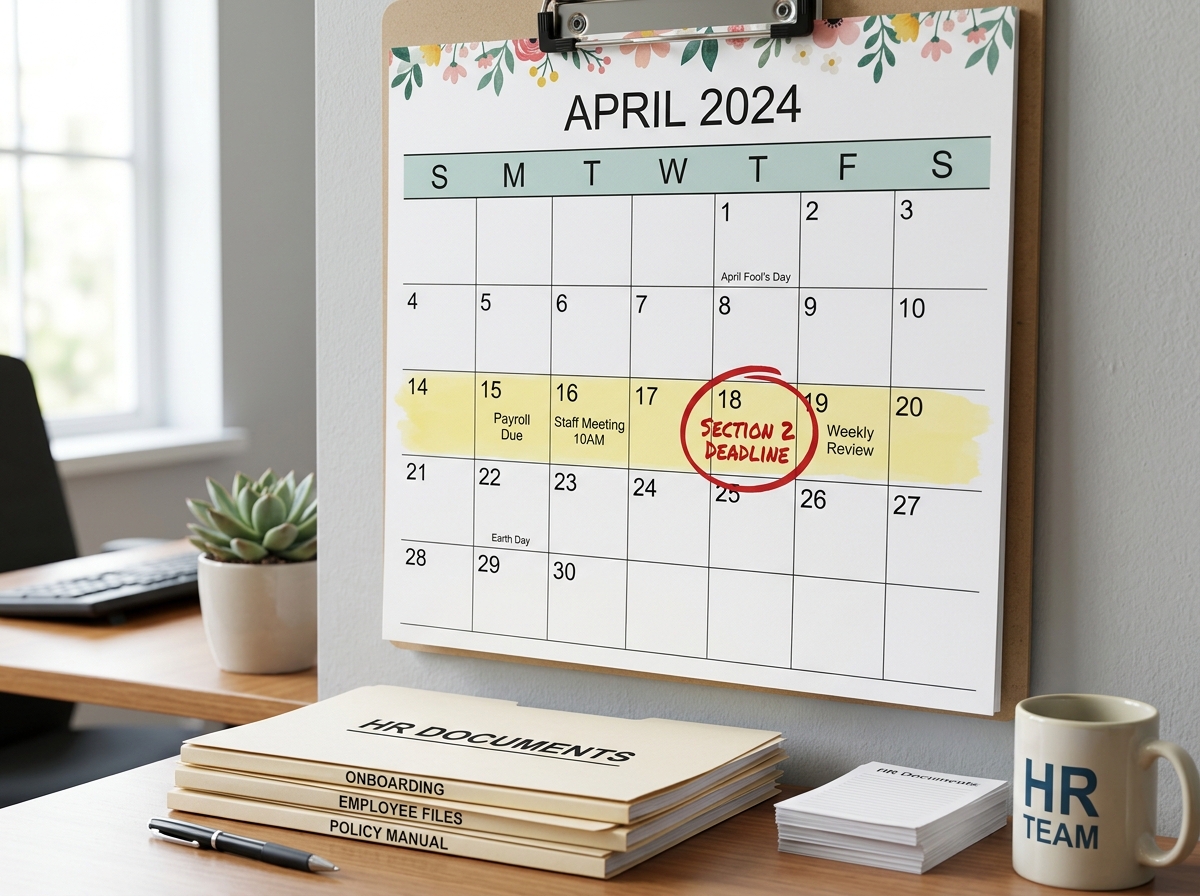
The clock starts the moment your new hire accepts the job offer.
- Section 1: The employee must complete this section no later than their first day of work for pay. They can even do it earlier if they have already accepted the offer.
- Section 2: As the employer, we must complete this within three business days of the employee’s first day of work. For example, if they start on Monday, we must have Section 2 finished by Thursday.
If you need help with the specifics, check out our Guide to completing the I-9 form. It is also important to understand the I-9 section 2 requirements, which involve physically (or remotely, under certain rules) examining original documents to ensure they appear genuine and relate to the person presenting them.
Acceptable Documents and Remote Verification Rules
One of the most common mistakes we see is employers telling employees which documents to bring. You cannot do that! It is actually considered a form of discrimination. The employee gets to choose from the “Lists of Acceptable Documents.”
- List A: Documents that prove both identity and work authorization (like a U.S. Passport).
- List B: Documents that prove identity only (like a Driver’s License).
- List C: Documents that prove work authorization only (like an unrestricted Social Security Card).
If an employee does not have a List A document, they must provide one from List B and one from List C. If you are wondering ” What I-9 documents do I need?,” refer to our Acceptable I-9 documents guide.
A special rule for i-9 and e-verify users: If you use E-Verify, any List B document must contain a photo. Additionally, while a Social Security Number is technically optional on a standard I-9, it is mandatory if you are running that employee through E-Verify.
Remote Document Examination for I-9 and E-Verify
The world of work has changed, and the government has finally caught up. Since August 1, 2023, certain employers can use an “alternative procedure” to examine documents.
This is a game-changer for remote hiring, but there is a catch: you must be enrolled in E-Verify to use it. Our Remote I-9 verification guide explains that you must conduct a live video interaction with the employee while they hold up their documents. You also need to retain clear copies of those documents. You can read the full DHS alternative procedure details for the exact legal requirements.
Avoiding Penalties and Discrimination Claims
Compliance is not just about checking boxes; it is about protecting your business from massive financial hits. I-9 compliance penalties can range from a few hundred to several thousand dollars per form for simple paperwork errors. If the government finds a pattern of knowingly hiring unauthorized workers, those fines skyrocket.
Beyond paperwork errors, you must watch out for discrimination. The Immigrant and Employee Rights Section (IER) of the Department of Justice is very active. You cannot treat people differently based on their national origin or citizenship status. For instance, you cannot ask a non-citizen for “extra” documents just because you are nervous about their status.
Consistency is your best friend. Apply the same process to every hire, regardless of how they look or sound. Conducting a regular I-9 audit guide can help you catch mistakes before a government inspector does.
Handling Mismatches and Retention Requirements
Sometimes, E-Verify returns a “Tentative Nonconfirmation” (TNC), also known as a mismatch. This does not mean the person is not allowed to work. It just means the data didn’t immediately match government records. It could be as simple as a name change after marriage that wasn’t updated with the Social Security Administration.
When a TNC happens, you must follow the E-Verify tentative nonconfirmation guide exactly. You must notify the employee privately and give them the chance to contest it. While they are resolving the mismatch with the SSA or DHS, you cannot take any adverse action against them, like cutting their hours or firing them.
Once the paperwork is done, where does it go? I-9 record keeping rules state you must keep the form for three years after the date of hire or one year after employment ends, whichever is later. We recommend keeping these in a separate file from general personnel records to make audits easier.
Frequently Asked Questions
Is E-Verify mandatory for all employers?
No, but the list of who must use it is growing. Federal contractors with the FAR E-Verify clause must use it. Also, many states like Alabama, Arizona, Florida, and Georgia have their own laws requiring it for some or all employers. Check our list of What employers are required to use E-Verify? to see if you are covered.
Can I use E-Verify to prescreen job applicants?
Absolutely not. Using E-Verify to screen people before you hire them is a major violation of privacy and program rules. You can only create a case after a job offer has been accepted and the I-9 is completed. Following E-Verify best practices keeps you on the right side of the law.
What should I do if an employee does not have a Social Security Number yet?
This often happens with newly arrived immigrants. You should still complete the I-9. In the E-Verify system, you can choose a reason for the delay (like “Awaiting Social Security Number”). Once they get their number, you complete the case. For more on this, see Handling employees without SSN.
Final Thoughts on Workforce Compliance
Navigating i-9 and e-verify can feel like walking through a minefield. One wrong step with a date or a document can lead to an audit you aren’t prepared for. That is where Valley All States Employer Service comes in.
We provide outsourced E-Verify workforce eligibility verification designed to take the weight off your shoulders. Our expert, impartial team ensures your processing is efficient and error-free, minimizing the administrative burden on your HR department. Whether you are dealing with remote hires or complex state mandates, we help you stay compliant so you can focus on growing your business.
Ready to learn more? Check out our thoughts on human resources outsourcing or dive into the official user manuals for more technical details.
Ready to simplify your hiring process? Contact our team today.