
Meta description: Confused about the irs i 9 tax form? Learn what Form I-9 is, how to complete it, deadlines, acceptable documents, and simple compliance steps for your team.
Hiring your first employee or growing fast? Many people search for the irs i 9 tax form, but Form I-9 is not an IRS tax form. It is a USCIS requirement that helps you verify a new hire’s identity and work authorization. Ready to find out how to do it right?
What is Form I-9 and why it is not an irs i 9 tax form
At its core, Form I-9 is the Employment Eligibility Verification form. Its primary purpose is to verify the identity and employment authorization of people you hire in the United States.
This requirement comes from the Immigration Reform and Control Act of 1986. It made it illegal for employers to knowingly hire or keep working individuals who are not authorized to work in the U.S.
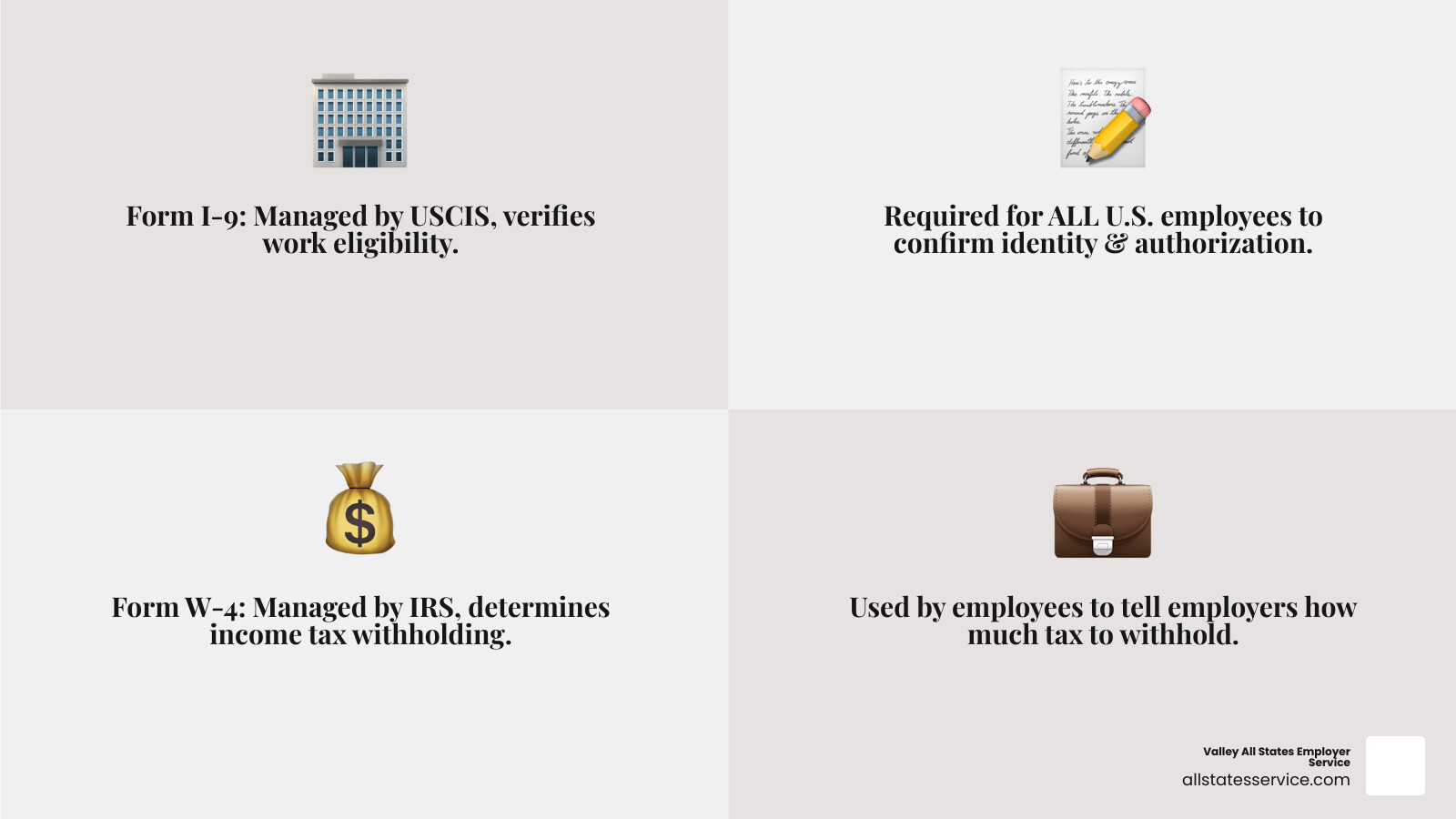
The term irs i 9 tax form shows up in searches, but Form I-9 is managed by USCIS, part of the Department of Homeland Security, not the IRS. The IRS handles taxes. USCIS focuses on immigration and work authorization. For a deeper dive, explore What is an I-9 Form?.
Who must complete Form I-9
Almost every U.S. employer. Federal law requires that any employer who recruits, refers for a fee, or hires an individual for work in the U.S. must complete Form I-9. This covers all new hires, no matter their citizenship status.
Independent contractors and volunteers are generally not considered employees for I-9 purposes. For more details on who qualifies, check out our guide on New Hire Eligibility.
How Form I-9 fits with other employment forms
While the irs i 9 tax form keyword suggests a tax tie, Form I-9 serves a different purpose than W-4 or W-2.
- Form W-4, Employee’s Withholding Certificate: An IRS form employees use so you withhold the right amount of federal income tax.
- Form W-2, Wage and Tax Statement: An IRS form you issue showing wages and taxes withheld.
Form I-9 is about legal right to work. You will still collect a Social Security Number for accurate wage reporting on Form W-2 and for E-Verify checks when applicable. Visit the Social Security number (SSN) verification page for details.
The I-9 process also connects to E-Verify, which compares I-9 info to DHS and SSA records to confirm employment eligibility. We will touch more on E-Verify shortly.

This process is time sensitive and has clear rules for both the employee and the employer. Following these steps is crucial for maintaining HR compliance for your small business.
Section 1, employee information and attestation
The I-9 journey starts with the employee. Section 1 is their responsibility and must be completed and signed no later than the first day of employment, but not before a job offer is accepted.
The employee enters personal details, then attests to their citizenship or immigration status. If a preparer or translator helps, they must complete and sign Supplement A, the Preparer and or Translator Certification. For more guidance, see Filling out Employment Eligibility Verification.
Section 2, employer review and verification
After Section 1, the employer or authorized representative examines the documents the employee presents. This must be done within three business days after the first day of work for pay.
Check that documents appear genuine and relate to the person. Record the document info in Section 2 and attest that, to the best of your knowledge, the employee is authorized to work. Employers are liable for errors here, even if a representative completes the section. Use our Form I-9 Section 2 Complete Guide.
I-9 deadlines you cannot miss
Timeliness matters. Missing deadlines can lead to penalties, even when the worker is truly authorized.
- Section 1 deadline, Employee completes and signs no later than the first day of employment.
- Section 2 deadline, Employer completes and signs within three business days after the employee’s first day of employment. If employment lasts less than three business days, both sections must be completed by the first day.
Our guide on I-9 Form Completion shares practical ways to stay on schedule.
Acceptable Documents for I-9 Verification
Employees have the right to choose which acceptable, unexpired documents they present. As an employer, you cannot specify which documents they must provide.
List A, B, and C Documents Explained
When completing Section 2, employees must present specific documents to prove their identity and employment authorization. These documents are categorized into three lists:
- List A Documents: These documents establish both identity and employment authorization. An employee presenting one document from List A has fulfilled both requirements. Examples include a U.S. Passport or a Permanent Resident Card (Green Card).
- List B Documents: These documents establish identity only. If an employee chooses a List B document, they must also present a document from List C. Examples include a driver’s license or a state ID card.
- List C Documents: These documents establish employment authorization only. If an employee chooses a List C document, they must also present a document from List B. Examples include a Social Security card or an original birth certificate.
The employee has the sole discretion to choose which document(s) from these lists they wish to present. As an employer, we cannot ask for specific documents or deny employment based on the choice of acceptable documents.
This protects against discrimination. For a comprehensive overview of all acceptable documents, consult our I-9 Acceptable Documents Ultimate Guide.
How to Properly Examine Documents
The integrity of the Form I-9 process hinges on the proper examination of documents. When presented with documents, we must:
- Physically Examine (or use alternative procedure): We must physically examine the original documents presented by the employee or use an alternative procedure if authorized by the Secretary of DHS. No photocopies are generally acceptable for examination, with the exception of certified copies of birth certificates.
- Ensure Genuine Appearance: The documents must reasonably appear to be genuine and relate to the individual presenting them. We are not document experts, but we are expected to identify obvious discrepancies.
- Check for Expiration Dates: All documents must be unexpired, unless their validity has been officially extended by the issuing authority. It’s illegal to refuse a valid document simply because it has a future expiration date.
If a document appears fraudulent or doesn’t seem to belong to the employee, we have the right to ask for other documents from the Lists of Acceptable Documents. However, we must provide the employee with an opportunity to present other valid documents. For best practices in this area, see our guide on Verifying I-9 Documents.
What About Remote Employees?
The landscape of work has evolved, and with it, the challenges of Form I-9 compliance for remote employees. During the COVID-19 pandemic, DHS provided temporary flexibilities for virtual document inspection. While those temporary rules have largely ended, DHS has established an alternative procedure for document examination.
Under this alternative procedure, eligible employers enrolled in E-Verify can conduct a live video interaction with the employee to examine their documents. This still requires a physical examination of the documents, but it can be conducted by an authorized representative remotely. The authorized representative must:
- Examine copies of the employee’s documents (front and back) to ensure they are genuine.
- Conduct a live video interaction with the employee to ensure the documents relate to them.
- Retain clear copies of the documents.
For employers not enrolled in E-Verify, or those who prefer not to use the alternative procedure, the traditional method of using an authorized representative for in-person document examination remains an option. This representative could be a notary, a trusted individual, or even a household member, though this carries significant risk.
Regardless of who performs the examination, the employer remains liable for any errors. Our article on How to Review I-9 Documents for Remote Employees provides essential insights for this process.
I-9 Compliance, Retention, Audits, and E-Verify
Properly managing completed I-9 forms is just as important as filling them out. Treat your irs i 9 tax form records, in other words your Form I-9 files, as core compliance documents.
Form I-9 retention and storage rules
Use the 3 year or 1 year rule:
- Keep a completed I-9 for as long as the person is employed.
- After termination, retain it for three years from the date of hire, or one year after the employment ends, whichever is later.
Store forms securely, on paper or electronically, and keep I-9s separate from personnel files. For details, see I-9 Form Management.
Consequences of non compliance, audits and penalties
ICE audits start with a Notice of Inspection. Agents check for missing forms, incomplete fields, missing signatures, expired documents, and failure to reverify when required.
Fines can range from hundreds to thousands of dollars per form. Knowingly hiring unauthorized workers can trigger much higher penalties. Prepare with our Internal I-9 Audit Complete Guide.
The role of E-Verify
E-Verify checks I-9 information against DHS and SSA records. It does not replace Form I-9, it supplements it. Many private employers choose to use it, and some must use it, such as certain federal contractors or employers in specific states.
Learn more with E-Verify and I-9 and the official E-Verify Handbook for Employers.
Avoiding Discrimination and Finding Resources
The I-9 process includes safeguards against discrimination. Keep your process consistent for every new hire.
Anti discrimination basics
It is illegal to discriminate based on citizenship status or national origin during I-9 verification. Avoid document abuse, do not ask for specific documents when the employee has already provided acceptable options, and do not treat people differently because of where they are from.
The Immigrant and Employee Rights Section at the DOJ enforces these rules. For broader employment topics, visit Employment Law Laws.
Which version of Form I-9 should I use
Stay current with Form I-9 versions. Many people search for the irs i 9 tax form, but the official form and instructions come from USCIS, and using an outdated form can lead to penalties.
Currently, employers should be using the Form I-9 with an edition date of 01/20/25, which expires on 05/31/2027. If you use an electronic I-9 system, make sure your provider updates the form by the required deadline. Keep an eye on our I-9 Form Updates page.
Where to find official guidance
- USCIS I-9 Central, Guidance, FAQs, and the latest forms. Visit I-9 Central.
- Handbook for Employers M-274, In depth explanations and best practices.
- Official Form I-9 PDF, Download the fillable form and instructions from USCIS, Official USCIS Form I-9 PDF.
Simplifying Your Employment Verification Process
Handling Form I-9 correctly keeps your business compliant and audit ready. If the irs i 9 tax form phrase brought you here, remember, you are working with USCIS Form I-9 rules that you can master with the right help.
Valley All States Employer Service offers tools, training, and support to streamline onboarding, document review, reverification, and storage.
Ready to simplify compliance? Contact our team today.