
i-9 section 2 acceptable documents: 3 Crucial Lists
Why Form I-9 Section 2 Acceptable Documents Matter for Every Hire
I-9 section 2 acceptable documents are the specific forms of identification and work authorization employees must present within three business days of their start date.
Quick Answer: The Three Document Options
-
One List A document (proves both identity and work authorization)
- Examples: U.S. Passport, Permanent Resident Card, Employment Authorization Document
-
One List B document + One List C document (proves identity and work authorization separately)
- List B examples: Driver’s license, State ID, School ID with photo
- List C examples: Social Security card (unrestricted), Birth certificate
-
All documents must be original and unexpired
When a new hire presents an unfamiliar document for their Form I-9, do you know what to do? Getting it wrong can cost your company thousands in fines.
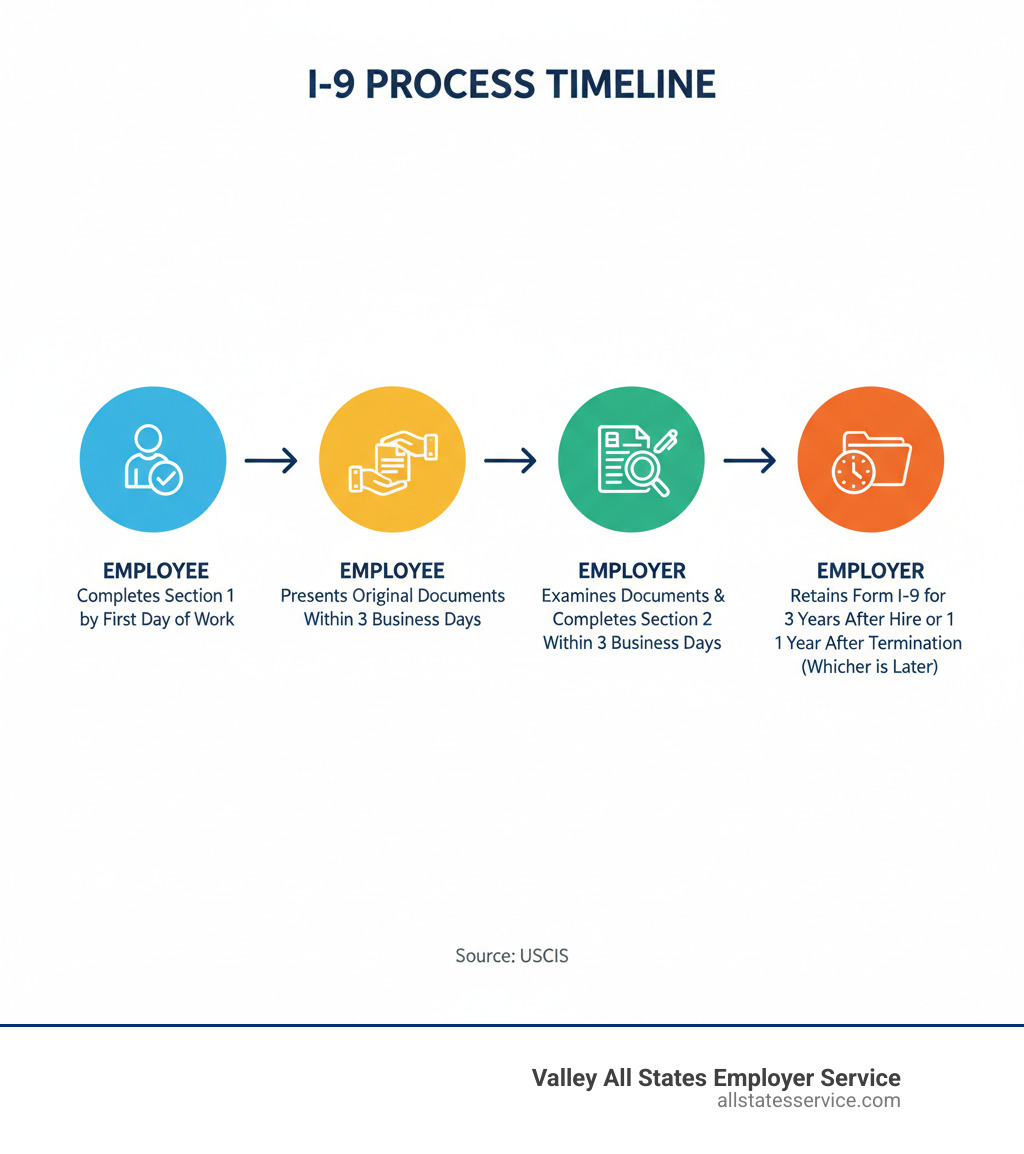
The Form I-9, or Employment Eligibility Verification form, is required by federal law for every new employee. Section 1 is completed by the employee. Section 2 is where you, the employer, verify their identity and work authorization by examining specific documents.
The challenge is that dozens of documents are acceptable across three lists, and you must complete verification within three business days of the hire date without telling employees which documents to provide.
This can feel overwhelming. According to USCIS, penalties for I-9 violations range from $272 to $2,701 per form for technical errors, and up to $27,018 per unauthorized worker for knowingly hiring violations.
The good news is that understanding the three lists and the rules for Section 2 makes the process straightforward.
Understanding Section 2: Your Core Compliance Duty
In Section 2 of Form I-9, you as the employer must verify your new hire’s identity and legal authorization to work in the United States.
You are attesting, under penalty of perjury, that you have physically examined original documents proving both identity and employment authorization. This is a critical federal requirement designed to prevent unauthorized employment while protecting workers’ rights.
While you are responsible for completing Section 2, you cannot dictate which documents the employee presents. The choice from the official Lists of Acceptable Documents is entirely theirs. You cannot say, “I need your passport,” or “Bring me your driver’s license and Social Security card.”
This is the anti-discrimination principle built into the I-9 process. You cannot treat employees differently based on their national origin or citizenship status. The form itself includes an anti-discrimination notice to remind you of this.
If an employee presents an unfamiliar document, you must accept it as long as it is on the official list of i-9 section 2 acceptable documents, appears genuine, and is unexpired. For more guidance, check out our I-9 Form Completion resource and our I-9 Best Practices Complete Guide.
The 3-Day Rule and Other Timelines
Timing is critical with Form I-9. The clock starts on your employee’s hire date, their first day of work for pay. From that moment, you have three business days to complete and sign Section 2. If someone starts on Monday, you have until the end of Thursday to finish.
If the position lasts less than three days, the rules are stricter. You must complete Section 2 no later than their first day of work. There is no grace period. This ensures even the shortest-term workers are verified before they start earning a paycheck.
Missing these deadlines is a compliance violation that can trigger fines. For a detailed walkthrough, visit our guide on Filling Out Employment Eligibility Verification.
The Golden Rule: Never Specify Documents
A common mistake for employers is telling employees which documents to bring. This is not allowed. The employee chooses, and you accept. That is the rule.
Specifying documents, even innocently, can lead to discrimination charges, which USCIS takes seriously. If a U.S. citizen presents a valid passport (a List A document), you can’t then ask for a driver’s license and Social Security card. That’s called over-documentation, and it’s a violation.
The same goes for asking only certain employees for additional documents based on their appearance, accent, or name. That is discrimination, and the penalties can be severe.
Your job is to inform new hires of their options and accept whatever valid combination of documents they present. As long as the documents appear genuine, relate to the person, and come from the official lists, you are following USCIS guidelines and protecting both your company and your employees.
The Three Lists of I-9 Section 2 Acceptable Documents
The three lists of acceptable documents are like a menu from which your new hire chooses. They select what proves they can legally work in the United States.
An employee can either present one document from List A, or they can present one document from List B paired with one from List C. Those are the only two combinations that satisfy Section 2 requirements.
List A documents are the all-in-one option. They establish both identity and employment authorization.
List B and List C work as a team. List B documents prove identity only (like a driver’s license), while List C documents prove employment authorization only (like an unrestricted Social Security card). Together, they accomplish what a single List A document does.
A key rule is that all documents must be original and unexpired. Photocopies are not acceptable for verification, though you may make copies for your records. An exception exists if an issuing authority has officially extended a document’s validity.
The Lists of Acceptable Documents appear on the last page of Form I-9 for easy reference. For a comprehensive overview, visit our page on Documents for I-9. The USCIS website also provides helpful visual examples of documents.
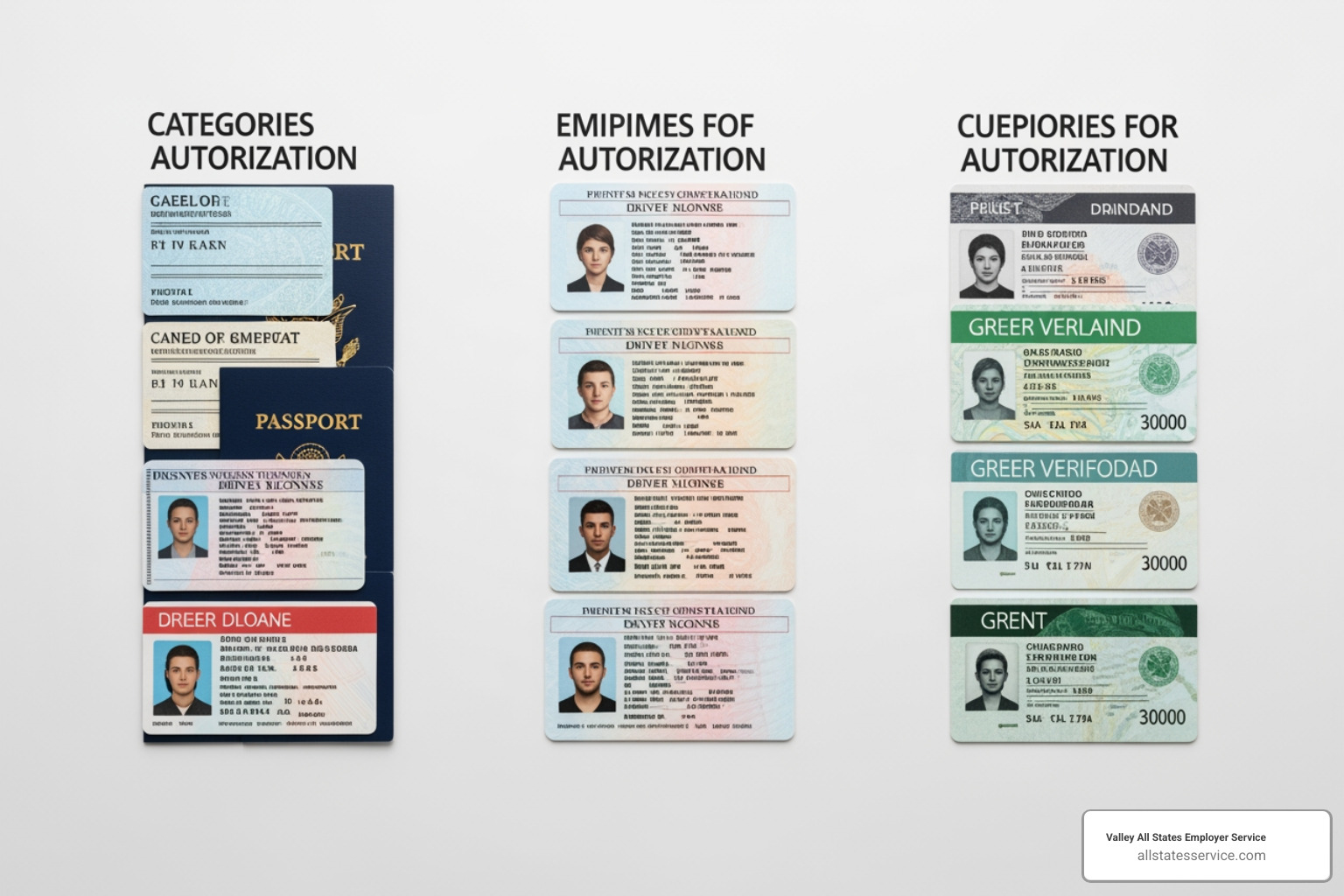
List A: Documents That Establish Both Identity & Employment Authorization
List A documents are the simplest i-9 section 2 acceptable documents because one is all that is needed to complete verification.
- A U.S. Passport or U.S. Passport Card is a common List A document proving both identity and U.S. citizenship, which grants work authorization.
- The Permanent Resident Card (Form I-551), or “Green Card,” is another common List A document. It establishes identity and permanent work authorization for lawful permanent residents. Older versions remain valid until they expire.
- A foreign passport with a Temporary I-551 stamp or a temporary I-551 printed notation on a machine-readable immigrant visa serves as temporary evidence of lawful permanent resident status. These documents require reverification upon expiration.
- The Employment Authorization Document (Form I-766), or “work permit,” includes a photo and confirms work authorization for a specific period. It is a List A document.
- For certain nonimmigrants, a foreign passport combined with Form I-94 or Form I-94A Arrival/Departure Record containing an endorsement to work establishes both identity and employment authorization.
- Citizens of the Federated States of Micronesia (FSM) or the Republic of the Marshall Islands (RMI) can present their passport with Form I-94 or Form I-94A as a List A document under specific agreements.
List B: Documents That Establish Identity Only
If an employee doesn’t present a List A document, they must show one document from List B to confirm their identity. These documents must contain a photograph or sufficient identifying information.
- The most common List B document is a driver’s license or ID card issued by a state or outlying possession of the United States. It must contain a photograph or identifying information like name, date of birth, and address.
- ID cards issued by federal, state, or local government agencies work the same way.
- A school ID card with a photograph is acceptable for younger employees.
- Other valid List B options include a voter’s registration card, U.S. military card or draft record, military dependent’s ID card, U.S. Coast Guard Merchant Mariner Document (MMD) card, Native American tribal document, and a driver’s license issued by a Canadian government authority.
A critical E-Verify requirement: if an employee presents a List B and List C combination, the List B document must contain a photograph.
List C: Documents That Establish Employment Authorization Only
Once identity is established with a List B document, the employee must provide a List C document to prove they are authorized to work.
- The U.S. Social Security Account Number card is a common List C document, but it must be unrestricted. Cards with phrases like “NOT VALID FOR EMPLOYMENT” are unacceptable. The card must not be laminated.
- Birth-related documents are also common. A certification of report of birth issued by the Department of State (Form DS-1350, Form FS-545, or Form FS-240) or an original or certified copy of a birth certificate from a U.S. state or territory bearing an official seal proves citizenship. Note: Puerto Rico birth certificates issued before July 1, 2010, are not acceptable.
- Native American tribal documents can serve as List C documents.
- Older forms like the U.S. Citizen ID Card (Form I-197) and the Identification Card for Use of Resident Citizen in the United States (Form I-179) remain valid.
- Finally, various documents issued by the Department of Homeland Security grant employment authorization, such as an unexpired Form I-94 for asylees.
The Document Examination Process: A Step-by-Step Guide
Once an employee presents their i-9 section 2 acceptable documents, you must carefully examine them.
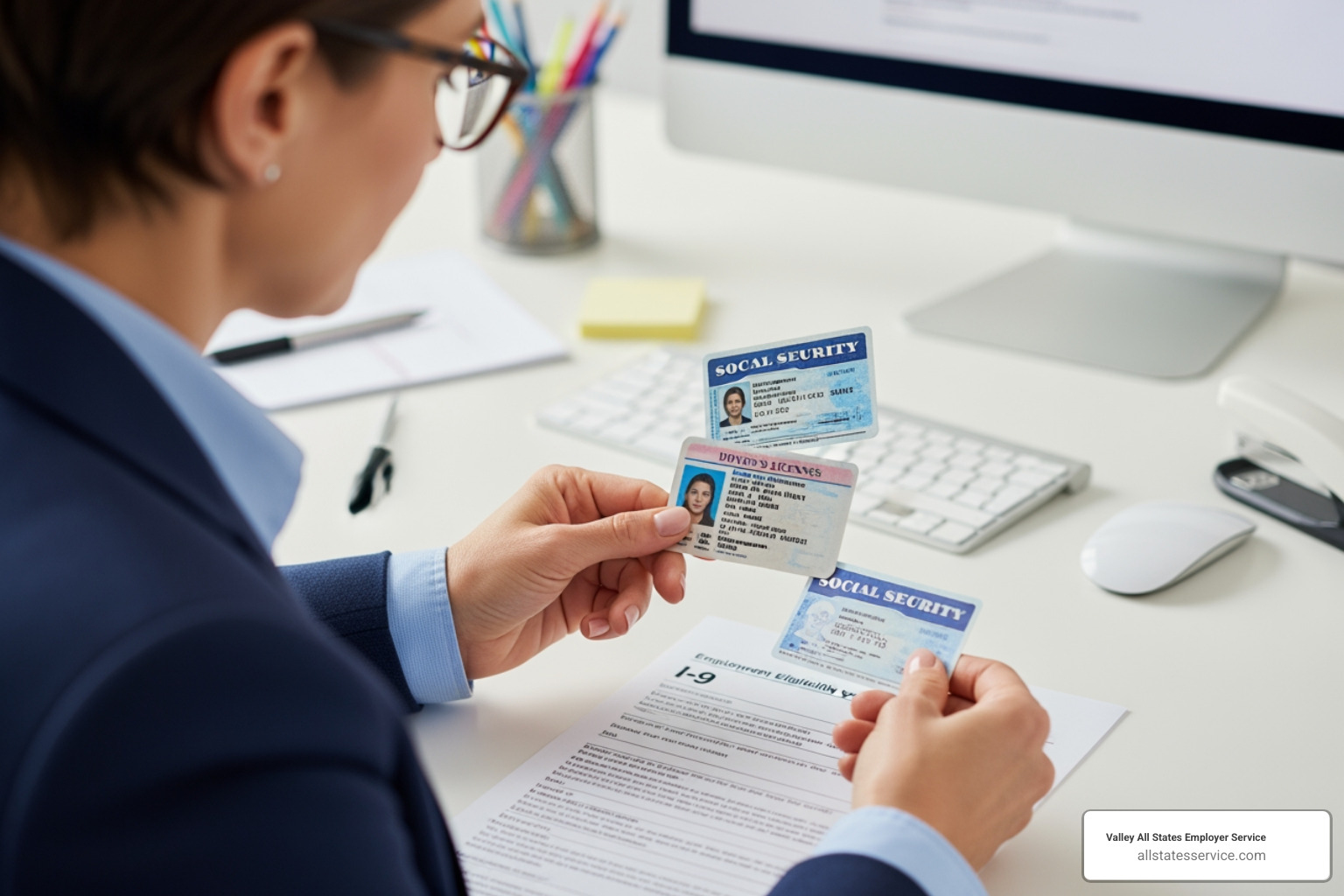
The law requires you to physically examine each original document to confirm it “reasonably appears to be genuine and to relate to the person presenting it.” You are not expected to be a forensic expert, but you must check for obvious red flags like alterations or mismatched photos.
If a document doesn’t look right, you cannot accept it. Instead, allow the employee to present other acceptable documents from the lists.
For remote employees, the situation is more complex. While temporary flexibilities during the COVID-19 pandemic allowed virtual inspection, physical examination has been the standard. The rules for remote examination are evolving, so staying current with DHS guidance is essential. For more insights, explore our resources on I-9 Document Review and Verifying I-9 Documents.
What to Record from the Employee’s Documents
After examining the documents, you must record specific information into Section 2 of the Form I-9.
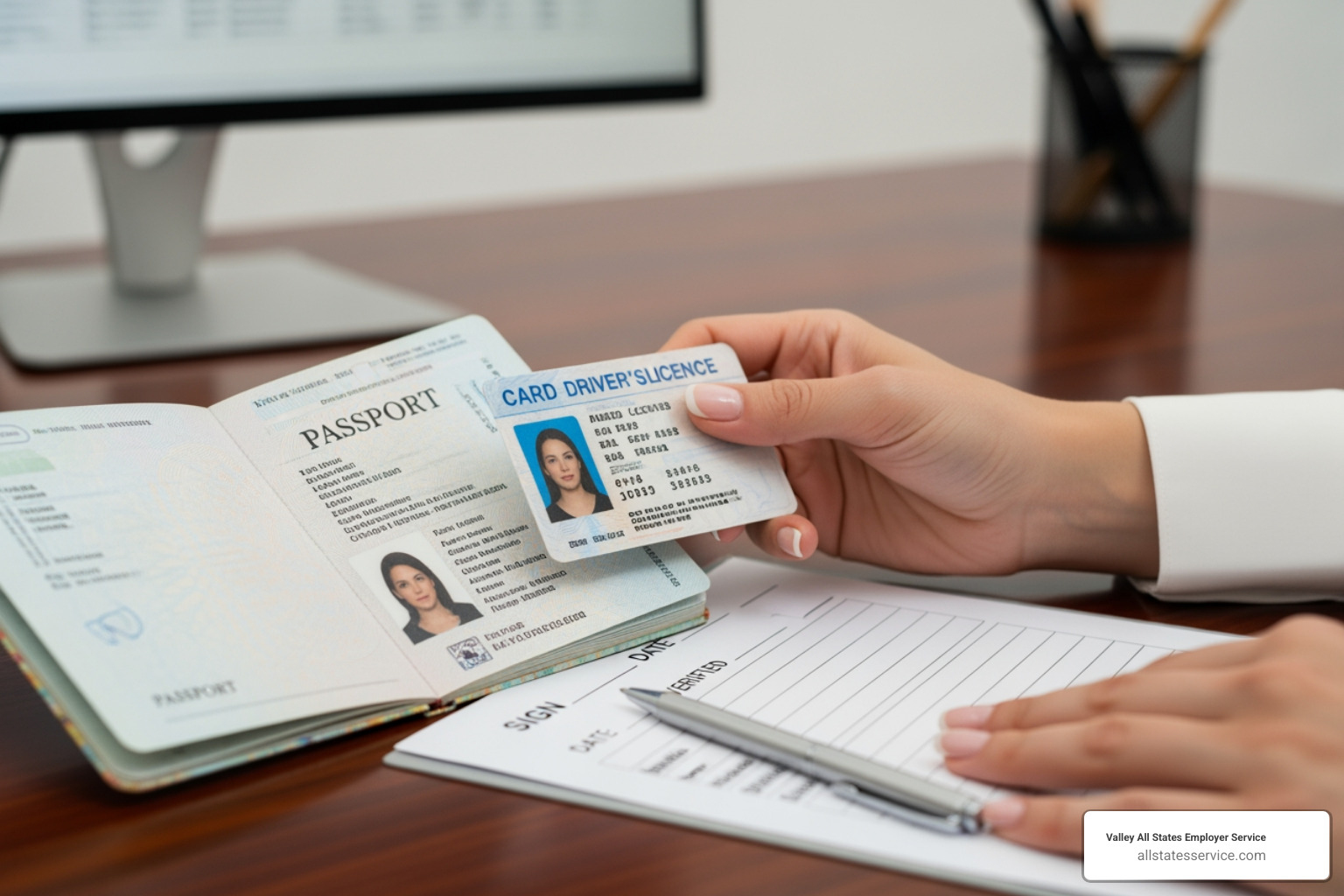
You must enter the document title, the issuing authority (e.g., U.S. Department of State, California DMV), the document number, and the expiration date, if any. If there is no expiration date, you can write “N/A.”
Accuracy is critical, as even small mistakes can trigger audit violations. Double-check your entries.
Handling Special Cases: Receipts, Minors, and Expired Docs
While most employees present standard documents, you may encounter special cases.
An employee may present a receipt if their original document was lost, stolen, or damaged and they have applied for a replacement. These receipts provide a 90-day grace period, during which the employee must present the actual replacement document. Receipts for initial employment authorization applications are generally not acceptable.
For employees under 18, the rules for identity documents are more flexible. They can present alternatives like a school ID card with a photograph, a school record or report card, or a clinic, doctor, or hospital record.
The unexpired document rule requires documents to be unexpired at the time of examination. However, an expiring work authorization document does not automatically mean work authorization has ended. An automatic extension may be in effect, or their immigration status might allow continued work. Never use an expiration date alone to make employment decisions, as this could be discriminatory. Expiring employment authorization documents may require reverification. For guidance, see our guide on the I-9 Process for Rehires.
Common Pitfalls and How to Stay Compliant
Getting Form I-9 right every time is challenging, and even small mistakes can lead to serious compliance issues and costly consequences.
During an ICE (Immigration and Customs Enforcement) audit, every detail is examined. Missing signatures or transposed document numbers can lead to fines from $272 to $2,701 per form for technical errors. Knowingly hiring an unauthorized worker brings penalties of $2,789 to $22,320 per worker.
These are not hypothetical numbers, as ICE audits and enforcement have increased. Many employers don’t realize that even unintentional errors, like forgetting to date Section 2 or accepting expired documents, are violations that trigger penalties. Our I-9 Compliance Penalties page breaks down the violation categories.
Another pitfall is using authorized representatives. When you designate someone to complete Section 2 for remote hires, you remain fully liable for any mistakes they make. If they accept an unacceptable document or fail to properly examine the i-9 section 2 acceptable documents, your company is on the hook.
The best defense is conducting proactive internal audits. Reviewing your I-9 forms regularly allows you to find and fix errors before an official audit. Our Internal I-9 Audit Complete Guide provides a step-by-step approach.
The E-Verify Connection for I-9 Section 2 Acceptable Documents
If your company uses E-Verify, there’s an extra layer of requirements for i-9 section 2 acceptable documents. E-Verify is the federal system that electronically confirms employment eligibility against government records.
For E-Verify participants, there is a critical rule: if an employee presents a List B and List C combination, the List B document must have a photograph. This is mandatory. If an employee offers a non-photo List B document like a voter registration card, you must ask for one with a photo, such as a driver’s license.
Federal contractors often face stricter requirements and may be mandated to use E-Verify for all new hires. Our guide on E-Verify and I-9 covers how these systems work together, while What is E-Verify provides a comprehensive overview.
Using an Authorized Representative for Remote Hires
The rise of remote work created the challenge of physically examining documents from a distance. The solution for remote hires is an authorized representative, but this comes with significant responsibilities.
An authorized representative can be almost anyone you choose, such as a notary public, a friend of the employee, or a family member. If you use a notary, they act as your agent, not in their official capacity, and should not place their notary seal on the Form I-9.
You are completely liable for your authorized representative’s actions. If they accept a wrong document, fail to examine originals properly, or record information incorrectly, your company faces the penalties. The responsibility is delegated, not shared.
Clear communication is essential. Provide your representative with specific instructions, checklists, and access to the USCIS Lists of Acceptable Documents. A small investment in training can prevent costly mistakes. For a complete walkthrough, see our I-9 Verification Process for Remote Employees guide.
Frequently Asked Questions about I-9 Documents
Let’s tackle the most common questions employers have about i-9 section 2 acceptable documents.
Can I accept a picture of a document on a phone?
The short answer is no. The law requires you to physically examine original documents in nearly all circumstances; a picture on a phone is not acceptable.
Temporary COVID-19 flexibilities allowed for remote inspection, but these were emergency measures that often required a later physical inspection. For standard hiring, you must physically see the document.
The only real exception to the “original document” rule is a certified copy of a birth certificate, which is an acceptable List C document.
What if a List B document doesn’t have a photo?
A List B document can be acceptable without a photograph if it contains sufficient identifying information, such as name, date of birth, gender, height, eye color, and address. A voter’s registration card is one example.
However, if you participate in E-Verify, the List B document must include a photograph. This is a mandatory requirement of the E-Verify program. No exceptions.
What do I do if I suspect a document is fraudulent?
If you suspect a document is fraudulent because it appears altered or doesn’t match the employee, you should not accept it.
Politely inform the employee you cannot accept the document and ask them to provide other acceptable documentation from the official lists. Maintain a neutral, professional tone.
You should not accuse the employee of fraud. Your role is only to determine if the document reasonably appears genuine and relates to the person. You are not expected to be a forensic expert, and accusations could lead to discrimination claims.
It is also wise to document what happened, including the date, document type, and reason for rejection. If you need to train your team on handling these situations, our I-9 Form Training page offers helpful resources.
Simplify Your I-9 and E-Verify Process
Keeping up with i-9 section 2 acceptable documents and the rules of employment eligibility verification is a complex, high-stakes task. Juggling document lists, timelines, and anti-discrimination rules can feel like a full-time job, where one mistake can lead to costly fines.
Even with the right knowledge, the daily reality of I-9 compliance can be overwhelming for a busy business.
That’s where Valley All States Employer Service comes in. We specialize in outsourced E-Verify workforce eligibility verification services. Our expert team handles the process with impartial attention, resulting in fewer errors, less administrative work, and more time for you to focus on your business.
Partnering with us provides peace of mind, ensuring your compliance is handled by professionals who stay current with all regulatory changes and understand every acceptable document scenario.
We handle all the details, from correct data entry to proper procedure, with the efficiency and accuracy your business deserves. No more worrying about whether you recorded a document number correctly or if your authorized representative completed Section 2 properly.
Ready to simplify your I-9 and E-Verify processes? We’d love to help you steer these complexities so you can get back to what you do best.
Contact us today to learn how we can simplify your I-9 compliance journey! Let’s make compliance one less thing you have to worry about.